
From a pile of books to a sellable online catalogue
TitleEntry handles the record-keeping so you can focus on the selling.
Try TitleEntry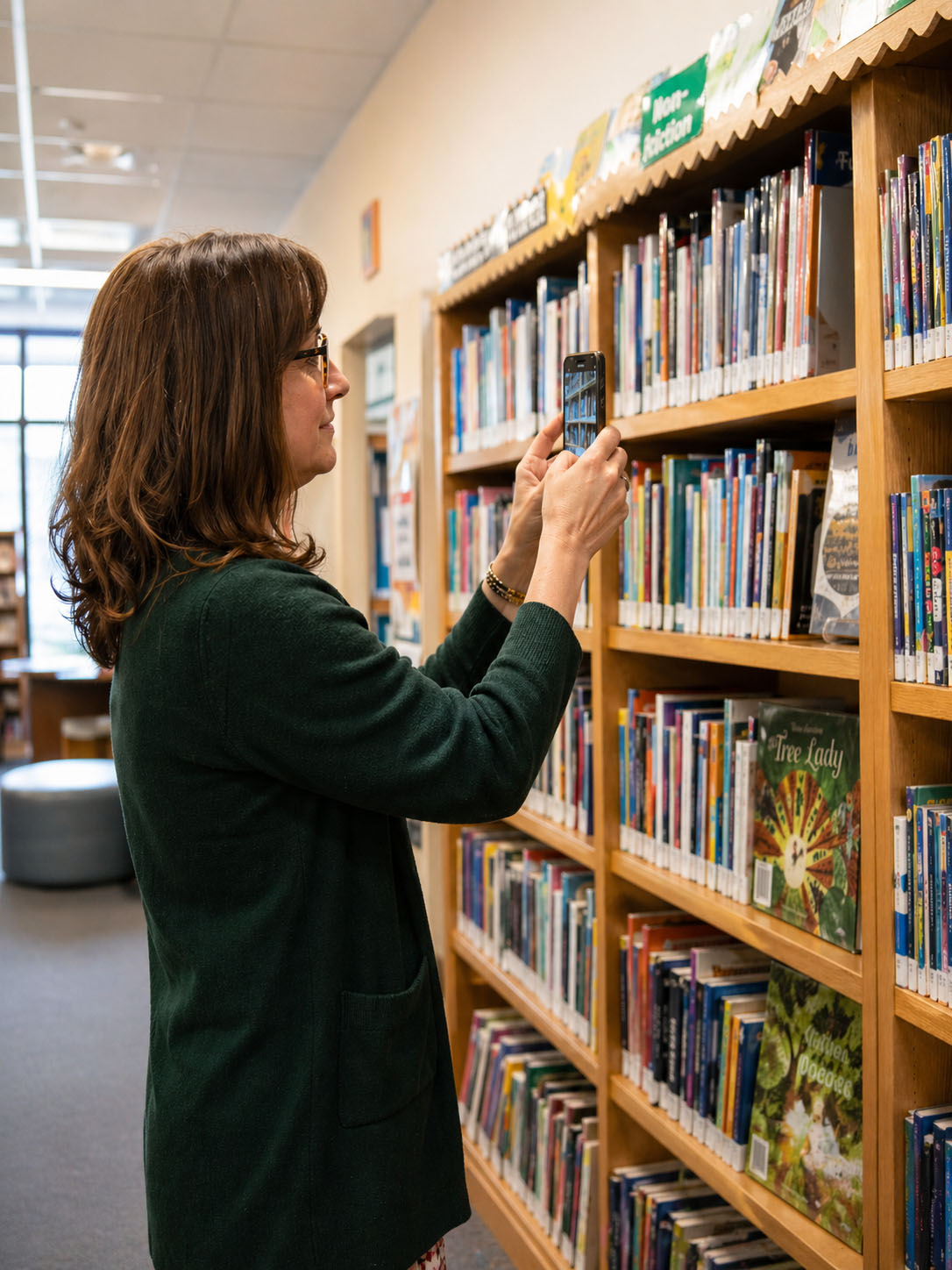
Before you can list a single book online, you need a record of it. Title, author, ISBN, condition. For ten books that is manageable. For a few hundred, or a few thousand, doing it by hand stops being an option.
The workflow for cataloguing books to sell
Scan each book by barcode
Point your phone at the ISBN barcode. The cover loads on screen and every detail fills in automatically - title, author, publisher, year, ISBN, genre. No typing. Scan and move to the next book. A bookstore processing a few hundred books a day uses this workflow.
Review before saving
Every book appears in a list before anything gets saved. Check that the match is right. Correct anything inline if it is not. Duplicate detection flags books already in your catalogue so you do not save the same title twice.
Export to spreadsheet
When you are ready, download your full catalogue as an Excel file. Use it to list stock on any selling platform, import it into your inventory system, or keep it as your own record. The file is standard format and works with anything.
For stock without readable barcodes
Older books, second-hand stock in poor condition, books published before the 1970s - these often have no readable barcode. For those, TitleEntry's AI shelf scan photographs the shelf and reads the spine text to identify each book. Same catalogue, same export at the end. You can also enter the ISBN manually, or add a book by hand if it cannot be found in any database.
Shelf management as your stock changes
Once your catalogue is built, stock moves. Books sell. New stock comes in. TitleEntry lets you update the catalogue without starting from scratch. Delete sold titles, add new ones by barcode, and keep your record accurate.
TitleEntry is used by a bookstore processing a high volume of books every day. The barcode scanner, the export format, and the Turkish book support were all built for that real workflow, not for a theoretical use case. See our guide to book cataloguing software for how this compares to other tools. If you are cataloguing books to sell online and want to see how TitleEntry fits your volume and stock, get in touch.
Frequently asked questions
The export is a standard Excel file with title, author, ISBN, publisher, year, and genre for every book. Use it as the basis for a listing on any platform - you manage the listing process on the platform side; TitleEntry gives you the data.
Yes. TitleEntry queries Turkish book sources and handles Turkish characters correctly throughout. See the Turkish Books page for more detail.
Use the AI shelf scan to photograph the shelf and read spine text, or add the book manually. Every book in your stock can be catalogued one way or another.
Get in touch. We will walk you through the product based on your stock volume and workflow.