
Take library inventory without losing a week of your life
Library inventory is one of those jobs everyone knows needs doing and nobody looks forward to doing.
Try TitleEntry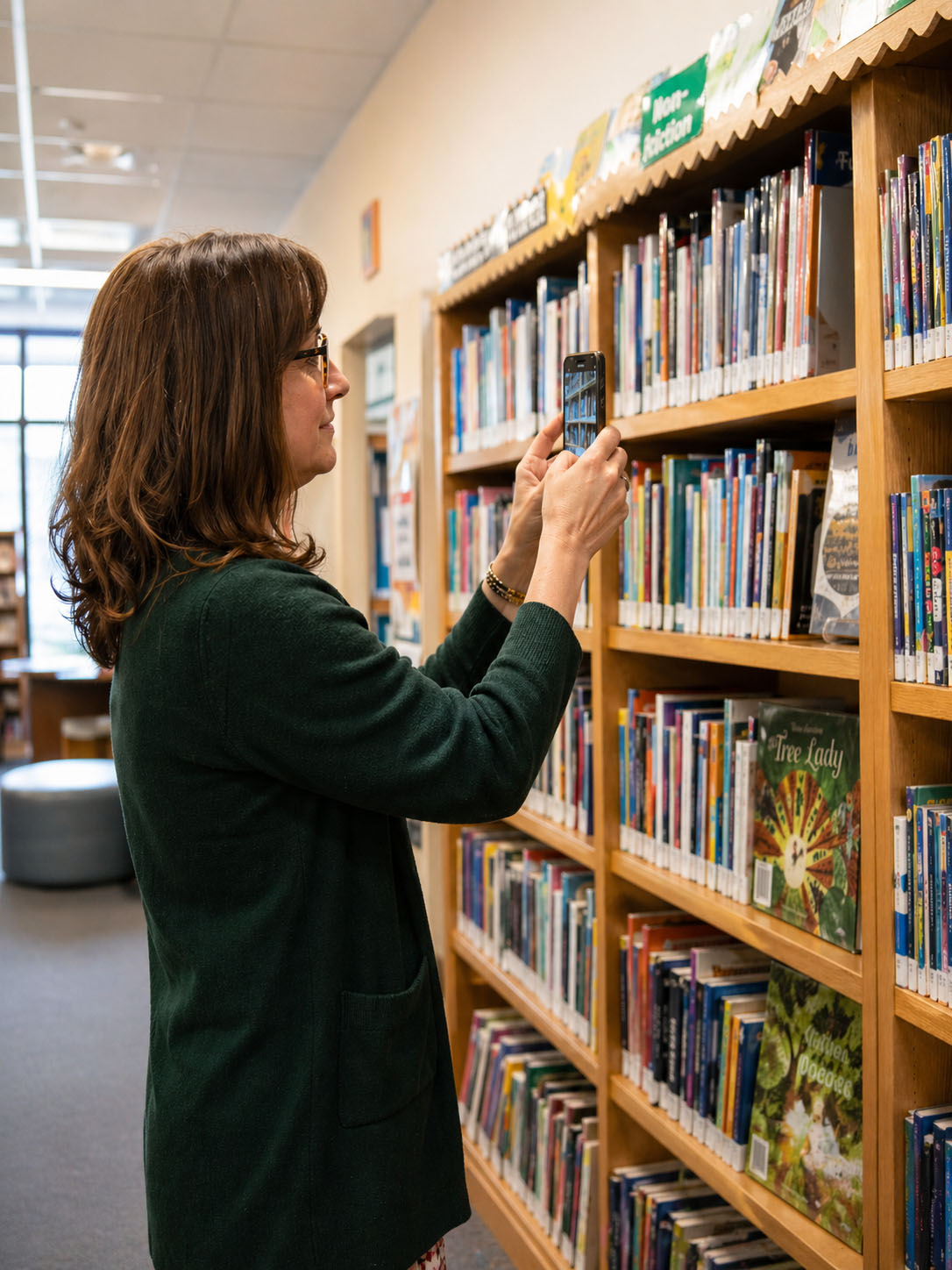
You walk in on a Monday morning, barcode scanner in hand, and spend the next several days going shelf by shelf, book by book, scanning each spine, fixing mismatches, and updating a spreadsheet that somehow still has errors in it by Friday. There is a better way to do it now, and it does not require any new hardware.
Why traditional library inventory takes so long
The problem is not the size of your collection. It is the method.
The old way
Barcode scanners read one book at a time. Someone picks it up, points a scanner at it, waits for the beep, moves on. A 500-book shelf takes hours; a 2,000-book collection can take the better part of a week. Enterprise systems like Follett Destiny or Ex Libris Alma help, but come with a price tag and a learning curve most libraries cannot justify for a one-off job.
The TitleEntry way
Instead of scanning books one at a time, you photograph the shelf. Point your camera at it, take a photo, and the AI reads every visible book spine - titles, authors, ISBNs, publishers, genres, all pulled automatically. The whole shelf appears as a list in seconds. Review, edit, export. That is the entire process.
What TitleEntry does that most inventory tools do not
Most inventory tools assume you have barcodes. TitleEntry does not need them. A big part of any real library collection is books that predate ISBNs entirely - anything published before 1970. TitleEntry reads the spine text directly with the AI bookshelf scanner, so those books get catalogued the same way as everything else.
Photograph your shelf
Open TitleEntry on your phone. Take a photo of the shelf. The AI identifies every book it can see, including books without barcodes and books with partial or tilted spines.
Review and edit
Books appear with full metadata. Anything the AI is less confident about gets flagged for your review - you can correct a title, author, or genre directly in the list before saving. Nothing gets saved silently without your approval.
Export to Excel
One click downloads a clean .xlsx file with your full book list. It works with Excel, Google Sheets, Numbers, or any spreadsheet tool you already use.
No special hardware. No training sessions. No IT support needed.
Who uses TitleEntry for library inventory
School librarians
Annual inventory, returning in September to get shelves back in order before term starts. What used to take a week now takes a day or two.
Government and public libraries
Audit branch collections, process new acquisitions, or build a digital record for shelves that have never been properly catalogued.
University and institutional libraries
Catalogue departmental reference collections and reading rooms that sit outside the main library system and often have no digital record at all.
Doing an annual stocktake at a school? See our guide to school library inventory, with versions for the US, UK, Canada, Australia and Ireland.
What about scanning individual books?
Sometimes you want to add a single book rather than photograph a whole shelf. The ISBN scanner lets you point your phone at an EAN-13 barcode for an instant lookup. Good for adding individual books between full inventory sessions.
What TitleEntry does and does not do
TitleEntry is a cataloguing and export tool, not a full library management system. It does not handle circulation, overdues, patron accounts, or OPAC access. See our book cataloguing software guide for how it compares to the alternatives. What it does, it does very well: if your goal is a complete, accurate, exportable book list, TitleEntry is the fastest way to get one. If you already use a library management system, the Excel export gives you exactly the file you need to import into it.
Common questions
No. TitleEntry runs in a phone browser and uses the phone camera, both for scanning ISBN barcodes and for the AI shelf scan. USB barcode scanners work if you already have one, but nothing needs to be bought to start.
Yes. Books published before barcodes existed have no ISBN to scan, so TitleEntry reads the spine text instead - title, author and publisher - from a shelf photo. Anything no source carries can be typed in by hand.
No, and deliberately so. It catalogues books and exports the list; it does not handle circulation, overdues, patron accounts or an OPAC. If you already run a library management system, the Excel export is the file you import into it.
The AI shelf scan reads a shelf row from one photograph, so most of the work is walking the shelves and photographing them. A few thousand books is typically an afternoon rather than a multi-week project.
Excel (.xlsx), with every field the catalogue holds - title, author, publisher, year, ISBN, page count, language, genre, shelf and quantity - and optionally the cover images embedded in the spreadsheet.
Ready to take inventory of your collection?
Get in touch and we will price it based on your collection.
Get in touch