
A simple way to catalogue your home library
Home libraries grow faster than most people expect. A few shelves become a room, and at some point you stop knowing exactly what you have.
Get in touch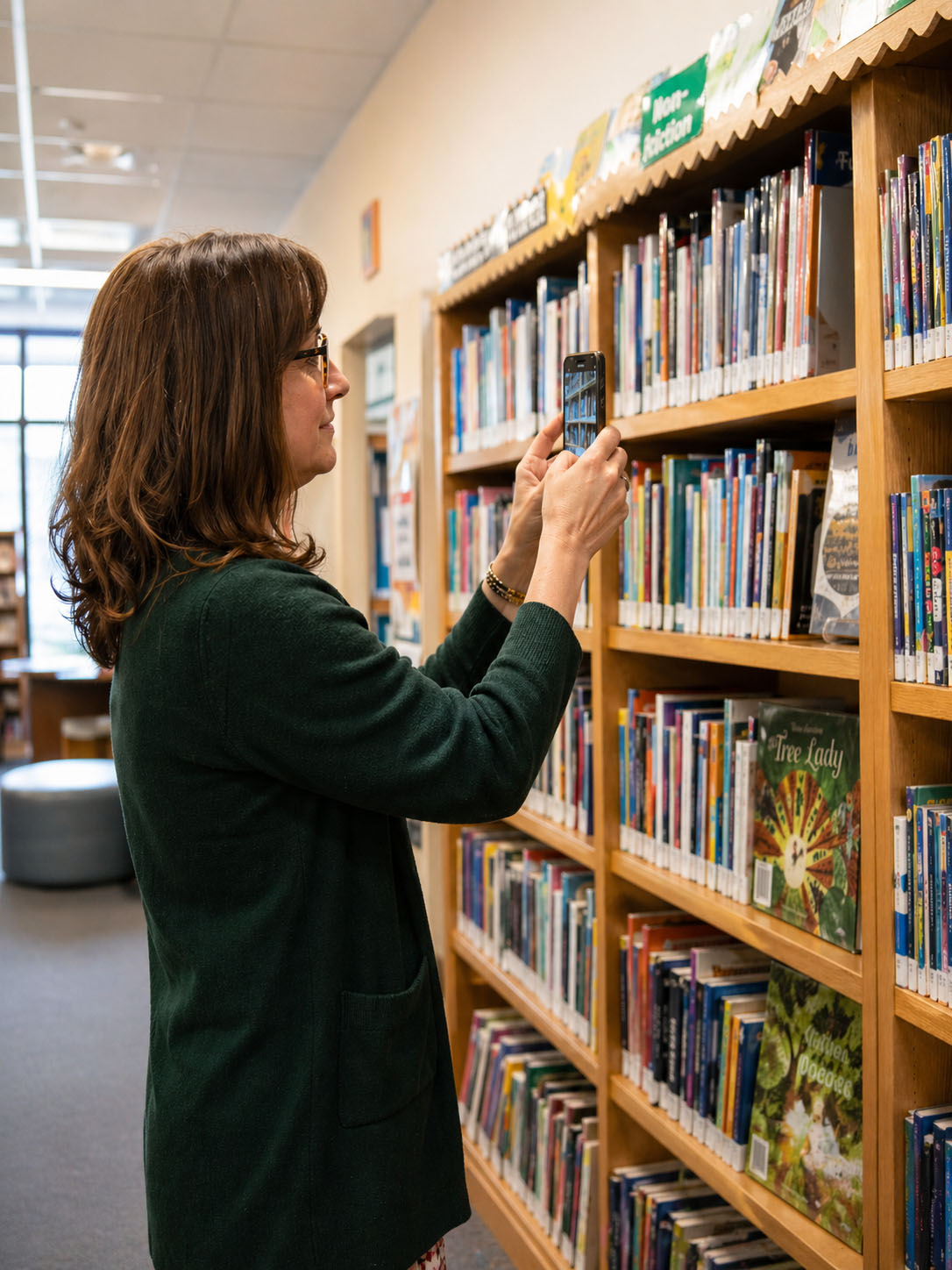
Books come in from everywhere - purchases, gifts, curriculum sets, secondhand finds. Getting a digital record of it all used to mean typing every title by hand. TitleEntry does that part for you.
Last updated: 5 September 2026
How it works
Scan each book by barcode
Point your phone camera at the ISBN barcode on the back of any book. The cover loads on screen and every detail fills in automatically - title, author, publisher, year, genre. No typing, no searching, no copying from Amazon listings. Move through your shelves one book at a time; it is quick enough that most home libraries can be catalogued in a few hours.
For shelves you want to cover faster
TitleEntry's AI shelf scan photographs an entire shelf at once and reads every visible spine - identifying books from the text printed on them rather than from barcodes. Good for larger collections, older books without readable barcodes, or any shelf where pulling each book off to scan it individually is not practical.
No barcode at all?
Add the book manually. Fill in what you know and it saves alongside everything else. Nothing gets left out.
What you get at the end
A complete Excel file with every book in your collection - title, author, ISBN, publisher, year, and genre for each one. Download it in one click and open it in Excel, Google Sheets, Numbers, or any other spreadsheet tool.
Use it however suits you. Search it when you want to check whether you already own a book before buying another copy. Share it with other homeschooling families if you loan books between households. Keep it as a record of your collection as it grows.
Built for real home libraries
Home libraries are not uniform. They have picture books alongside reference texts, curriculum materials mixed with leisure reading, old paperbacks with worn barcodes alongside brand new hardcovers.
TitleEntry handles all of it. The barcode scanner works on any readable ISBN. The AI shelf scan works on books without barcodes. Manual entry covers anything that cannot be found either way. Every book in your collection has a path into the catalogue.
We have had enquiries from homeschooling families building and cataloguing home libraries - it is a real use case the product handles well.
Honest about what TitleEntry does not do
TitleEntry catalogues your books and gives you a spreadsheet. It does not track who has borrowed a book, send reminders for returns, or manage a reading list.
If you want a digital record of what you own, TitleEntry builds it. What you do with that record is up to you.
Frequently asked questions
Yes. The AI shelf scan reads spine text directly - title and author printed on the spine - so it identifies books with no barcode at all. Works on old books, foreign-language books, anything.
Depends on the size of the collection. For most home libraries the barcode scanner is fast enough that a few hundred books can be done in a couple of hours.
No. TitleEntry works in your phone browser. Open the site, sign in, and start scanning. No installation needed.
Duplicate detection flags books already in your catalogue before saving. You can skip the duplicate, update the record, or save it as a new entry.
Excel (.xlsx). It opens in Excel, Google Sheets, Numbers, or any other spreadsheet tool, and can be saved as CSV from there if you need one.
Get in touch through the contact form and we will get you set up.
Cataloguing a home library?
Get in touch and we will walk you through it based on the size of your collection.
Get in touch